01
Precision editing
Change one thing. Keep everything else.
Direct a new jacket color, surface or object without losing the face, product silhouette or light that made the frame work.
Turn rough directions into art-directed images with Seedream 5.5. Generate, edit and carry one visual language from the first frame to the final campaign.
Built for art directors, product teams and independent studios.
The model
Seedream 5.5 is built for visual work that has to hold together: faces, products, materials, type and a clear art direction. Move from the first loose idea to a frame your team can actually use.
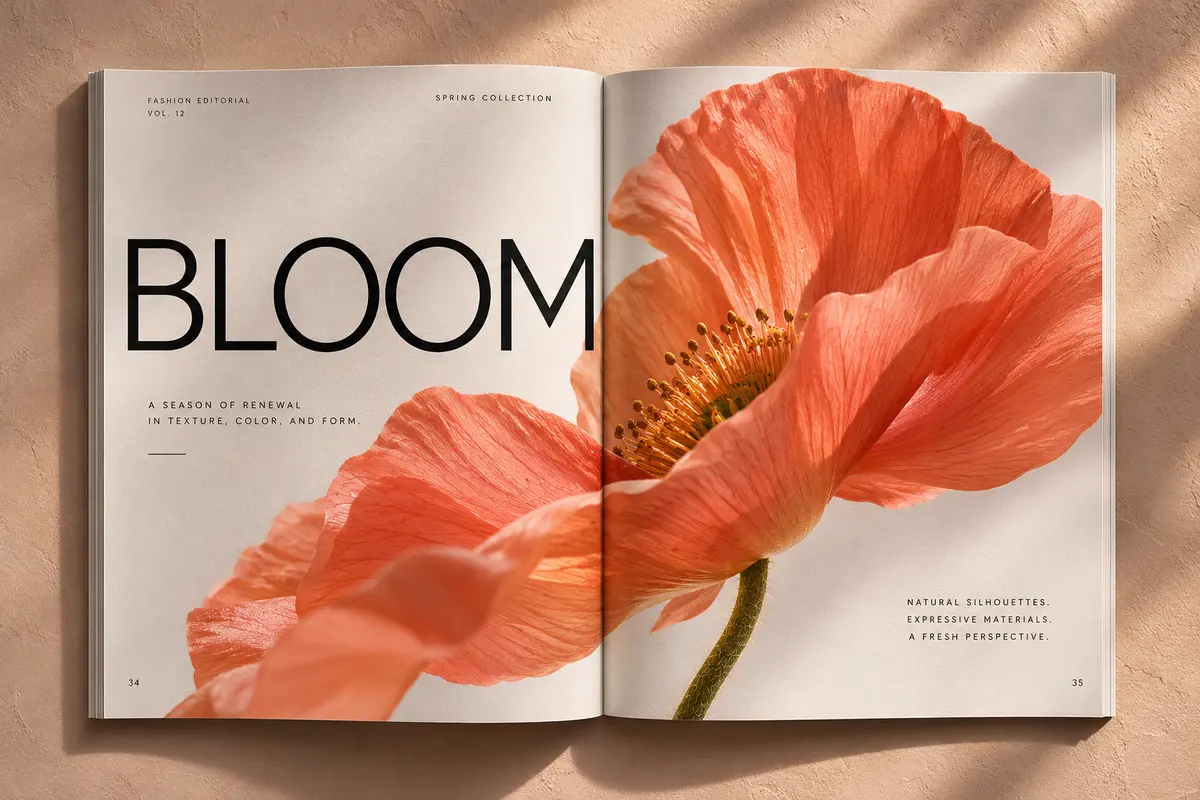 Type / image balance
“Editorial spring campaign. Oversized BLOOM headline. Coral poppy, soft plaster wall, precise modern type.”
Precision editing
Direct a new jacket color, surface or object without losing the face, product silhouette or light that made the frame work.
Subject continuity
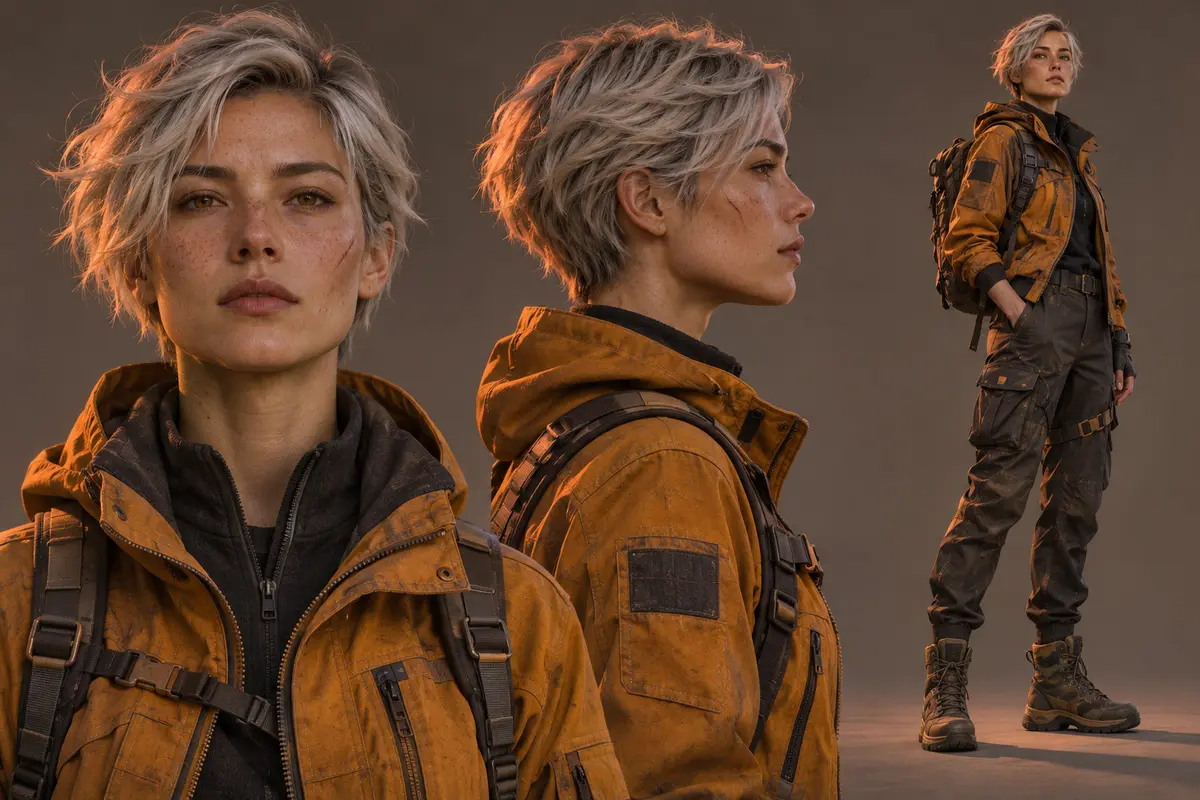
Explore expressions, poses and camera angles while keeping the same character or model as the direction evolves.
Image and type
Build posters, product labels and campaign layouts with headline copy, small print and multilingual design directions.
Layered output
Move toward transparent backgrounds and separated design elements so the final image can become a usable asset.
Flexible formats
Develop tall social frames, wide campaign scenes and product crops inside the same coherent visual world.
Selected directions
Product realism, credible characters, precise type and layered compositions. Explore a few ways one visual direction can move.
 BLOOM / VOL. 12

How it works
A focused flow for teams that care about the frame, not just the first output. Every action starts in the same studio.
Start with a prompt, a reference image or both. Lock the product, person or visual world you need to preserve.
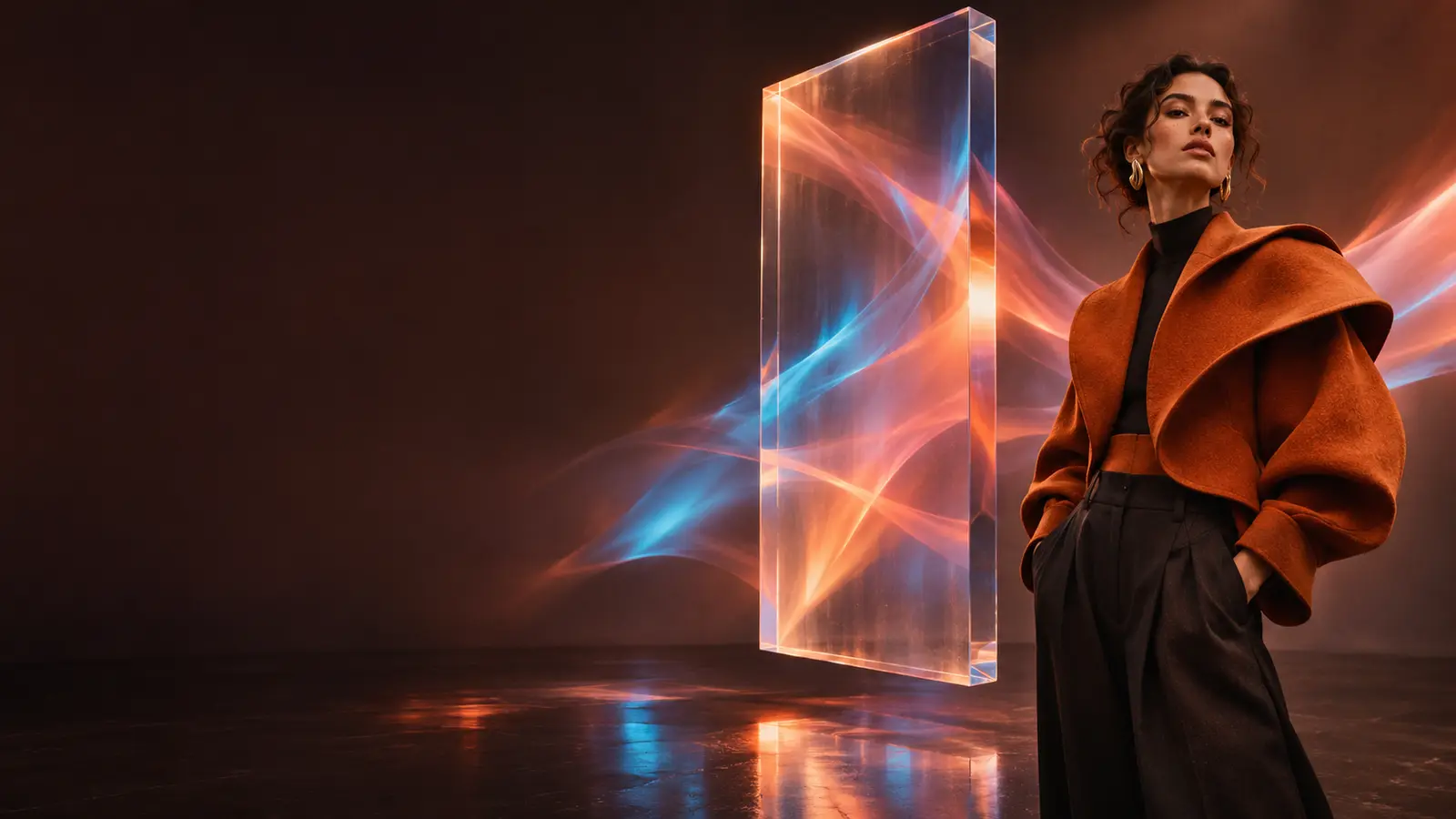
Choose the crop, material, lighting and mood. Add exact words when the image needs to carry copy.
Change one variable at a time, compare directions and carry the strongest frame into the next channel.
Where it earns its place
The value is not one isolated image. It is the ability to carry a direction through formats, channels and decisions.
Campaign systemTurn one approved visual language into billboards, social cuts, retail moments and localized campaign frames.
Product realismPlace a product in a scene without losing its shape, label, material or light. Then refine the world around it.
Story developmentBuild a cast sheet, explore expressions and carry a recognizable character from frame to frame.
Composition controlSeparate the background, objects and type so a finished image can become a working design file.
Say whether this is a campaign key visual, a product packshot, a poster or a character sheet. Art direction starts with intent.
Call out the label, face, silhouette or product detail that has to survive the edit. Precision comes from constraints.
When type matters, provide the exact headline and supporting line. Keep production copy short enough to remain legible.
Review each edit against the approved frame. Smaller moves keep the direction stable and make a usable final image more likely.
Frequently asked
Clear answers about the studio, the model and how the subscription flow works.
Ask a different questionSeedream 5.5 is an image generation and editing model designed for high-resolution visual work. This site is an independent creative interface for generating, editing and organizing images made with the model.
No. Seedream5.lol is an independent product experience and is not affiliated with, endorsed by, or operated by ByteDance, OpenArt or any official Seedream team.
Yes. The prompt workspace is designed for product shots, character references, moodboards and other visual inputs that keep a subject or art direction consistent across iterations.
The studio is built for layouts that combine imagery and type, including campaign headlines, product labels, posters and multilingual design directions. Always proof final production copy before publishing.
The workflow supports transparent and partial-transparency creative directions for logos, stickers, cutouts and layered compositions. Export options depend on the selected plan and workspace.
Signed-in subscribers enter the render queue. While the model is busy, the queue shows preparation progress and an estimated position. You can close the queue and keep exploring the studio at any time.
Every paid plan is billed securely through Stripe. Payment starts from the pricing page and opens Stripe Checkout directly. There is no free plan and no in-app payment-method selection step.
Yes. Monthly and annual plans can be cancelled from the billing settings. Access continues through the end of the paid period shown by Stripe.
Your next direction
Sign in with Google, choose a paid plan and start building a visual language that survives the second, third and thirtieth image.